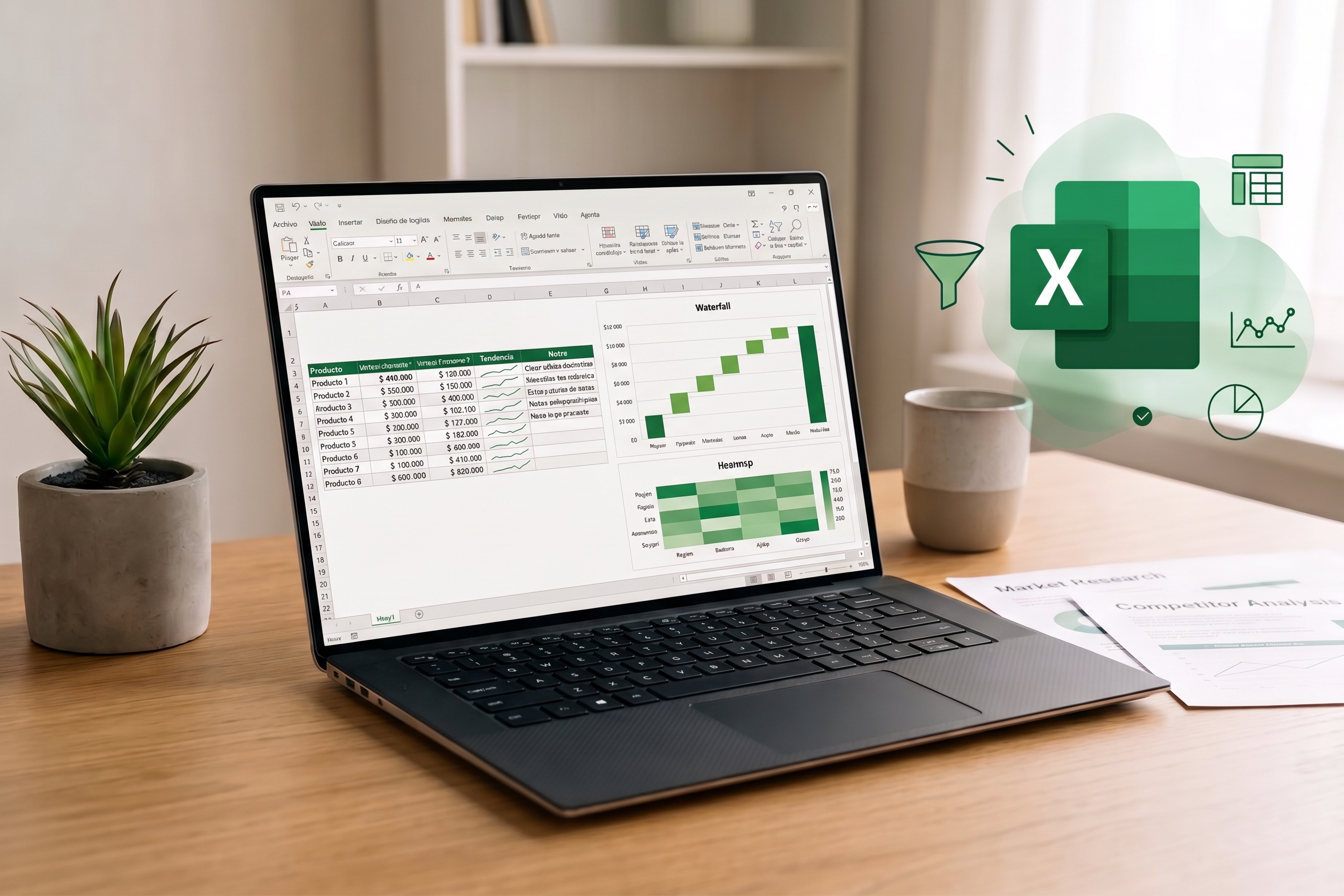
When organizing an event, Excel is often the default choice. And it’s understandable: the tool is accessible, flexible, and widely familiar.
In theory, Excel works very well for event organization. But in practice, is it really the most efficient tool?
Making a spreadsheet work takes time
An Excel file doesn’t update itself. You have to enter information, double-check data, add rows, fix errors, set up filters, share updates, and make sure everyone is working on the correct version. Individually, these tasks seem minor.
However, taken together, they represent time spent managing the file itself rather than organizing the event. This is where the difference between working and being efficient becomes critical.
More information, more maintenance
As planning progresses, information accumulates and evolves. The spreadsheet has to keep up with all these changes. And when multiple people are involved, you also need to ensure the data stays current and everyone has the same visibility.
Excel still works, but maintaining it requires more and more time.
Excel isn't the problem
Excel isn't a bad tool. For certain needs, it remains completely relevant. The question isn't the tool's validity, but rather the efficiency of the entire organizational system.
If a team has to spend time maintaining its spreadsheets, the tool itself becomes another task to manage.
Toward a more efficient workflow
Organizing an event already involves numerous tasks: coordinating speakers, tracking information, managing documents, meeting deadlines, and handling the unexpected.
So, rather than adding more tools and manual tweaks to this process, another approach is to gather information and tracking in a single place.
That’s what we offer at Reevent: centralizing your event management in a shared space that updates in real time, simplifying tracking and giving everyone clearer visibility into the event planning process.
The right tool isn't just one that lets you get things done. It's the one that lets you do them efficiently.